Join Our WhatsApp Broadcast : Send Your-Name To +918848202009 via WhatsApp

Articles by "Software"

MlUl V8. 2. 5. 0. | MALMIDL | Stable | 1. 5G
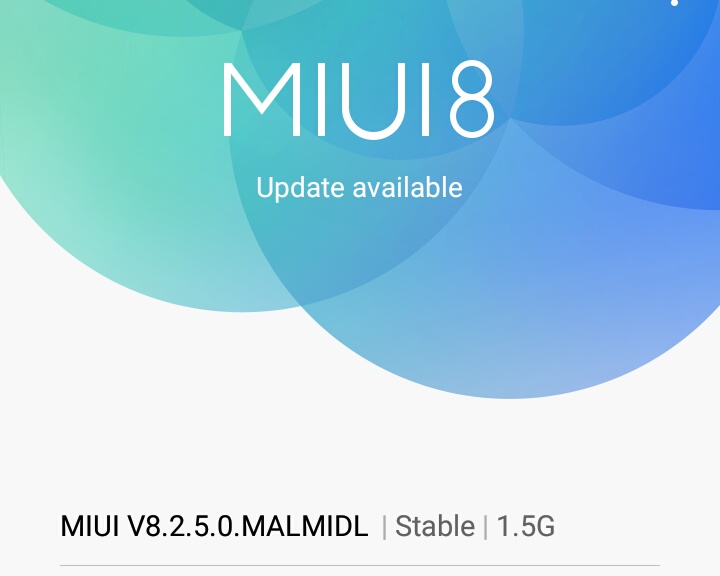

To Update : Go To Settings -> About Phone -> System Updates


Update Size : 1.5 GB 

The New Features, Fixes And All Are Mentioned Below


Lockscreen, Status Bar, Notification Bar 


New-Swipe to delete Lock screen 
notifications(11-18) 

New-Fingerprint can be used as the Privacy protection password(11-21) 

New-Ul adjustments for toggles(12-15) 

New-Battery saver toggle can be added to the Notification shade(12-15) 

Optimization-Lock screen PIN layout(11-15) 

Optimization-Ul adjustments for screen lock,password, and fingerprints(11-21) 

Optimization-Changed icons for USB charging and switching keyboards(12-01) 

Optimization-Floating notifications won't appear in DND mode(12-13) 

Fix-Notification shade issues during incoming call floating notifications(10-25) 

Fix-Wi-Fi page made the device freeze when it was opened for the first time(11-07) 

Fix-Notification shade issues(11-15) 

Fix-Issues with opacity after using third party themes(11-15) 

Fix-The first notification couldn't be removed by a swipe(11-29) 

Fix-Landscape mode issues with third party themes(12-06) 

Home screen 


New-Home screen settings added to the 
Settings(11-22) 

Fix-Part of Ul for deleting apps wasn't visible on light backgrounds(10-11) 

Fix-Minor adjustments for animations in the Launcher(11-14) 

Settings 


New-Added Panic button for emergency 
calls(01-05) 


Virus Scan 


New-Antivirus scans for the apps installed not from Google Play(11-02) 


Xiaomi Is Now Providing MIUI 2.4 Update For Redmi 3S Series. They have recently given 2.4 MIUI Updates For Phones Such As Redmi 2.

To Update Your Current MIUI, Go To Settings -> About Phone -> System Updates


The Main Features Of The Update Are Given Below.


MIUI V 8.2.4.0.MALMIDL | Nightly | 1.5GB

Lockscreen, Status Bar, Notification Bar 

New - Swipe to delete Lock screen notiftcations(11-18) 

New - Fingerprint can be used as the Privacy protection password(11-21) 

New - Ul adjustments for toggles(12-15) 

New - Battery saver toggle can be added to the Notification shade(12-15) 

Optimization - Lock screen PIN layout(11-15) 

Optimization - UI adjustments for screen lock, password, and fingerprints(11-21) 

Optimization - Changed icons for USB charging and 
switching keyboards(12-01) 

Optimization - Floating notifications won't appear in DND mode(12-13) 

Fix - Notification shade issues during incoming call 
floating notifications(10-25) 

Fix - Wi-Fi page made the device freeze when it was opened for the first time(11-07) 

Fix - Notification shade issues(11-15) 

Fix - Issues with opacity after using third party themes(1 1-1 5) 

Fix - The first notification couldn't be removed by a 
swipe(11-29) 

Fix - Landscape mode issues with third party themes(12-06) 

Home Screen 

New - Home screen settings added to the Settings(11-22) 

Fix - Part of Ul for deleting apps wasn't visible on light backgrounds(10-11) 

Fix - Minor adjustments for animations in the Launcher(11-14) 

Settings 

New - Added Panic button for emergency calls(01-05) 

Virus Scan 

New - Antivirus scans for the apps installed not from Google Play(11-02)

Avast is giving free license


About Avast


Avast is the Most leading Antivirus Software company. They are now giving free license valid for 1 year


How to get Free license?


1. Go to Avast Page | Click here 

2. Enter your details 

#Enter your email correctly

3. Answer the questions and Submit

4. Yup that's it!! Your free license key is sent by email within 30 minutes after this registration.

#If you do not receive your license within 24 hours, please check your junk or SPAM folder

#You need to enter the license key in the program to continue to use it after the trial period expires (detailed instructions for
inserting the license key are included in the email)


To insert your license key, please follow the instructions below:


#Install Avast Free Antivirus

1. Highlight the license key from the mail , then right-click it and select "Copy".


2. Open your Avast Free Antivirus controls and select the "Settings" tab.


3. Next, click the "Registration" tab.


4. Click the arrow next to "Offline registration" to expand this option.


5. Click the "Insert the license key" button.


6. Right-click in the empty Registration box and select "Paste".


7. Click "OK" – your license key is now inserted and your Avast antivirus software can now be used free of charge for a further 12 months.


Proof


MKRdezign

{facebook#http://facebook.com/danj32} {twitter#http://twitter.com/tlu} {google-plus#http://plus.google.com/DanyJoy44} {youtube#http://youtube.com/thelocalunboxing} {instagram#http://instagram.com/natsu.dan}

Contact Form

Name

Email *

Message *

©2017 FLOffers. Powered by Blogger.
Javascript DisablePlease Enable Javascript To See All Widget